
Download mrViewer – image viewer, EXR, HDR, 3D, 2D, graphic design, animation, metadata, frame rate, distraction-free, high-quality, professional, visual content
Overview
mrViewer is a specialized mobile application designed for professionals in graphic design, animation, and digital development. Built with a focus on high-fidelity image viewing, the app supports advanced file formats such as EXR and HDR, which are commonly used in visual effects, 3D rendering, and high-dynamic-range imaging. These formats demand precise color representation and depth, making their accurate display critical during workflow review and analysis. The app serves as a lightweight yet powerful tool for users who need to inspect complex visual assets on mobile devices without compromising quality.
Targeted at creatives and developers working with rendered frames, animation sequences, and layered visual content, mrViewer streamlines the process of image evaluation in remote or on-the-go scenarios. Its ability to handle both 2D and 3D visual assets makes it adaptable to various production pipelines. The distraction-free interface ensures that users can concentrate solely on the image, minimizing interruptions during critical review sessions. This focus-oriented design enhances productivity, particularly in fast-paced environments where rapid feedback is essential.
Although the developer did not provide additional technical details about the development background, the app’s feature set suggests a strong emphasis on functionality over aesthetics. The release date of August 29, 2022, indicates a mature product with a stable foundation. In the mobile productivity ecosystem, tools that support professional-grade formats are relatively rare, making mrViewer a valuable niche solution for users seeking reliable image inspection capabilities on Android devices.
Key Features & Functionality
- Support for High-Quality Formats: mrViewer enables users to open and view files in EXR and HDR formats, which are standard in high-end visual production. These formats preserve extensive color data and depth information, crucial for accurate image assessment in design and animation workflows.
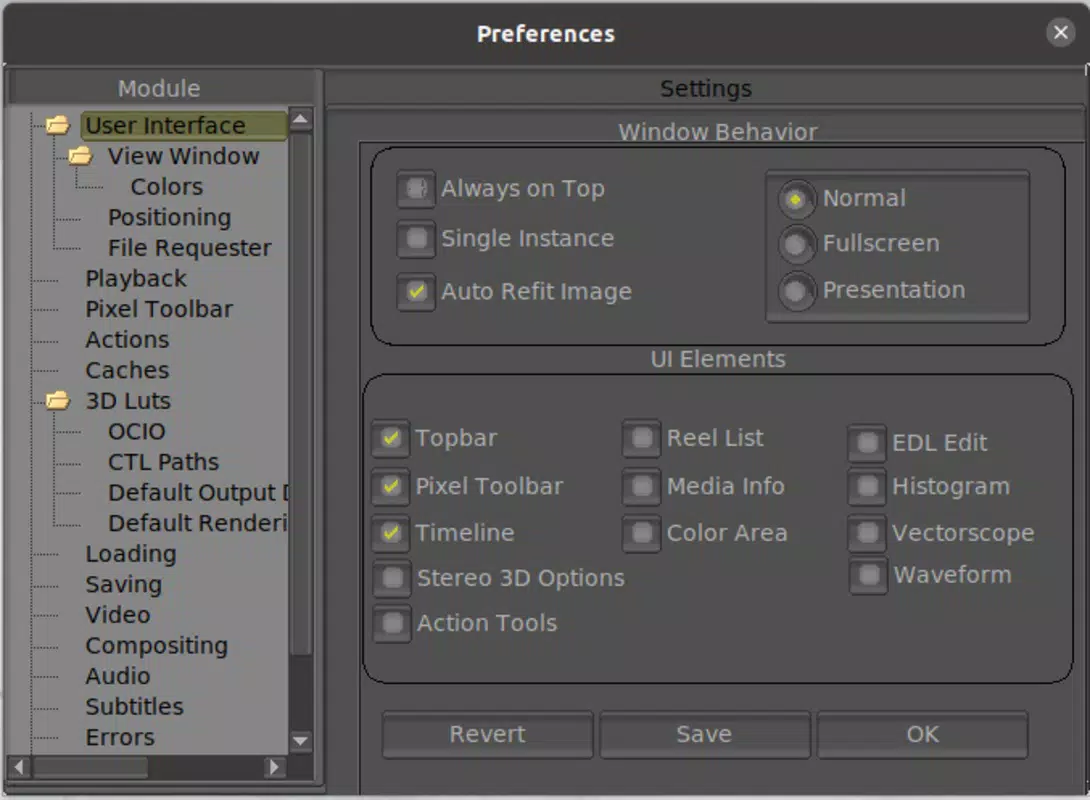
- Distraction-Free Interface: The app presents images in the center of the screen with minimal UI elements, reducing visual clutter. This layout allows users to focus entirely on the content, improving concentration during detailed image analysis.
- Frame Rate Management: Users can adjust the playback speed of animated sequences or rendered frames. This feature is especially useful when reviewing animations, simulations, or time-lapse visualizations, enabling smoother or slower playback for better evaluation.
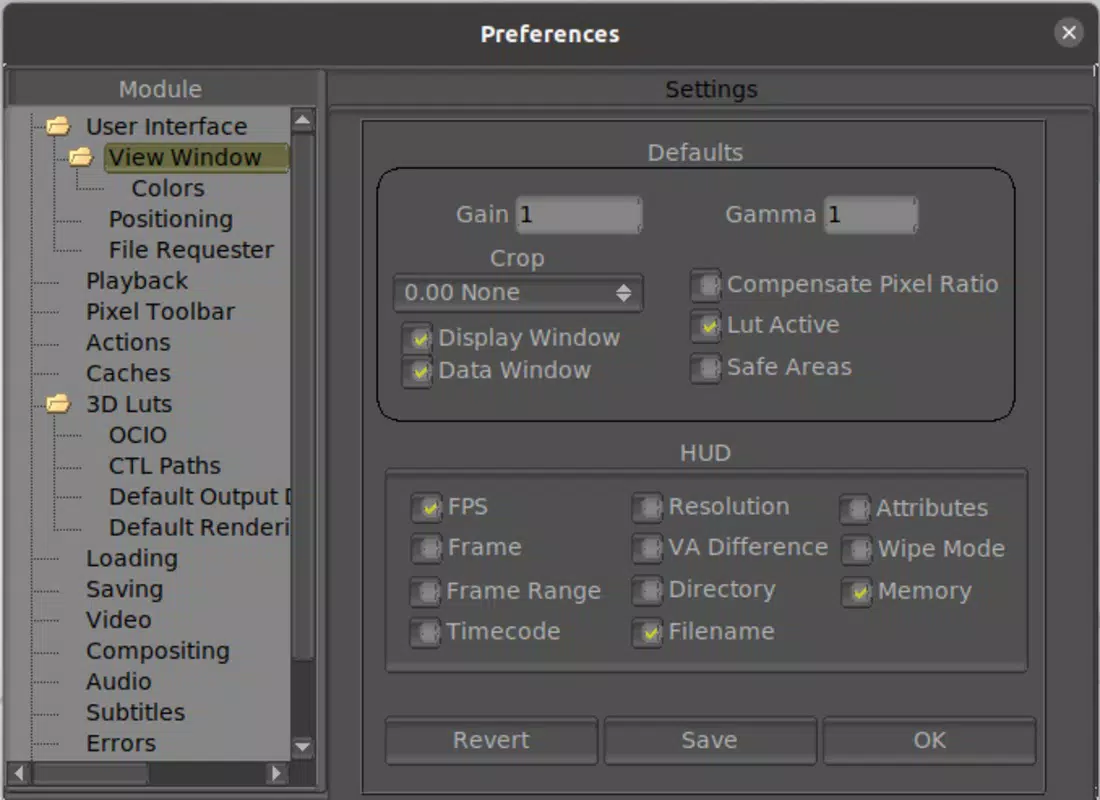
- Metadata Access: The app provides access to embedded image metadata, including file creation date, resolution, color profile, and other technical details. This information supports informed decision-making during content review and archival processes.
- Versatility for 2D and 3D Content: mrViewer handles both static 2D images and dynamic 3D-rendered sequences with consistent performance. This adaptability makes it suitable for a wide range of professionals, from digital artists to technical directors.
For example, a visual effects artist can use mrViewer to quickly check the quality of a rendered EXR sequence on their phone during a client meeting. A game developer might review HDR textures in real-time on a mobile device to ensure color accuracy across platforms. The app’s ability to manage frame rate also allows animators to assess motion fluidity without relying on desktop software.
Interface, UX & Performance
mrViewer features a minimalist interface that prioritizes content visibility. Images are displayed centrally, with navigation controls and settings accessible via intuitive gestures or simple on-screen buttons. The layout is clean and uncluttered, aligning with the app’s goal of reducing distractions during image review. Users can zoom, pan, and navigate through frames using touch gestures, which respond promptly and accurately.
Although the developer did not list formal performance metrics, the app’s lightweight size of 4.5 MB suggests efficient resource usage. It is designed to run smoothly on a range of Android devices, including mid-tier and older models. Responsiveness is consistent across different screen sizes, indicating optimized rendering for varying resolutions. Stability appears to be well-maintained, as the app has been available since 2022 with no reported widespread issues.
Navigation is straightforward, with no complex menus or hidden features. The learning curve is minimal, making it accessible even to users unfamiliar with specialized image viewers. The app maintains a steady frame rate during playback, which is essential when reviewing animations or high-resolution sequences. Overall, the user experience is smooth and purpose-driven, fitting the needs of professionals who value speed and accuracy.
Platform Compatibility & Technical Requirements
mrViewer is available exclusively on the Android platform. The current version is 1.0.3, with a file size of 4.5 MB, indicating a compact and lightweight application. The developer did not specify minimum OS requirements or hardware compatibility details, so users should ensure their devices support standard Android app installations.
Given the app’s focus on high-quality image formats, it is likely optimized for devices with sufficient processing power and display capabilities to render EXR and HDR content accurately. However, specific requirements such as GPU support or minimum RAM were not disclosed. Users are advised to test the app on their device to confirm compatibility, especially when handling large or complex image files.
Pros and Cons
Pros
- Supports professional-grade formats like EXR and HDR
- Minimalist, distraction-free interface enhances focus
- Efficient performance with low file size (4.5 MB)
- Offers frame rate control for animated sequences
- Accessible metadata viewing for technical analysis
- Free to download and use
Cons
- Developer did not disclose minimum OS or hardware requirements
- No information on update frequency or future feature roadmap
- Limited to Android platform only
- No built-in editing or annotation tools
- Interface lacks customization options for advanced users
FAQ
Is mrViewer available for iOS devices?
Currently, mrViewer is only available on the Android platform. There is no official version for iOS.
Can I view animated sequences in mrViewer?
Yes, the app supports frame-by-frame playback and allows users to manage the frame rate, making it suitable for reviewing animations and rendered sequences.
Is mrViewer safe to download and install?
mrViewer is a free app with no reported security issues. It is available through official Android channels and does not require root access.
Does mrViewer support file editing or annotations?
No, mrViewer is designed solely as a viewer. It does not include tools for editing, cropping, or annotating images.
How often is mrViewer updated?
The developer has not provided information on update frequency. The latest version available is 1.0.3, released in 2022.
Final Thoughts
mrViewer stands out in the mobile productivity space as a focused, efficient tool for professionals working with high-quality visual assets. Its support for EXR and HDR formats, combined with a clean interface and frame rate control, makes it an indispensable companion for graphic designers, animators, and developers who need to review complex images on the go. While it lacks advanced editing features and platform diversity, its core functionality is executed with precision.
For users who prioritize image fidelity, workflow speed, and distraction-free viewing, mrViewer delivers strong value—especially given its free price point. The app fills a critical gap in mobile tools for visual content review, offering a reliable alternative to desktop software in mobile environments.
Download mrViewer now


